How Do You Conduct a Risk Assessment for DSE?
The Health and Safety Executive (HSE) recommends a five-step approach:
1. Identify Hazards using a checklist
Look for risk factors that could contribute to ill health:
Inadequate lighting, causing eyesight issues
Unsuitable chairs or a poor workstation layout
Smartphones or laptops that are used for extended periods without ergonomic accessories
Low rate of feedback from employees about discomfort and potential safety issues
Missed breaks, leading to fatigue and strain
Use a workstation checklist as a tool to guide this evaluation.
2. Assess Risks
Review:
The likelihood of harm (e.g., repetitive strain injuries, neck strain)
The severity of potential outcomes (e.g. ill health or reduced productivity)
The individuals affected, especially those using screens as part of their normal work
A qualified assessor may be required in complex situations or where specific health concerns exist.
3. Control Risks
Apply good practice by:
Ensuring proper alignment of screens, keyboards, and seating
Providing adjustable chairs, footrests, and monitor risers
Encouraging frequent breaks and varied tasks to improve blood flow
Using the workstation checklist to track and manage adjustments
For example, elevate laptop screens to eye level and use a separate keyboard and mouse to reduce strain.
4. Record Findings
Document:
Keep these records as part of your health and safety file. Templates, including a digital DSE form (printable version) or checklist PDF (printable version), can support consistent documentation.
5. Review and Update Regularly
Update your risk evaluation when:
Equipment changes (e.g. shift to smartphones or hybrid work)
An employee reports ill health or discomfort
Working locations or practices shift
Intake of new staff or change of working environment
Ongoing monitoring ensures the process stays in line with DSE regulations and remains effective. Learn more about all the employer responsibilities here.
What to Include in a DSE Workstation Assessment Form?
A strong ergonomic workstation checklist (printable version) includes:
Screen height at or just below eye level
Chair supporting the lower back and proper sitting posture
Forearms roughly horizontal with relaxed shoulders
Clear access to frequently used equipment
Lighting that avoids glare
Built-in breaks during the workday
Reference the DSE Checklist during each review to help identify concerns early.
How to Carry Out a DSE Assessment WFH
Remote staff still require protection. Whether done via a self-assessment or supported by an assessor, ensure:
Employers remain responsible for providing suitable equipment and training, including for homeworkers. For specific guidance on homeworkers, read our Knowledge Bank article here.
Do You Need a DSE Risk Assessment Template?
Templates streamline the assessment process and ensure nothing is missed. A DSE risk assessment template (printable version) (UK-specific for legislation) or a downloadable workstation checklist can:
Help standardise evaluations across teams
Act as a guide for new staff or those unfamiliar with screen work
Support the work of an assessor
Final Thoughts
A thorough risk assessment for display screen equipment protects employees from preventable issues like upper limb disorders, eye strain, and musculoskeletal problems. By following HSE’s guidance, using tools like the DSE workstation checklist, and keeping assessments up to date, employers can stay compliant with Display Screen Equipment Regulations and maintain a healthier, more productive workforce.
Free Download - DSE Risk Assessment Forms
To help you carry out DSE evaluations effectively, we’ve created two free resources: a digital DSE Risk Assessment Form for managers or assessors (print) and a digital DSE Workstation Checklist for employee self-assessments (print). These templates follow HSE guidance and support good practice across your organisation.
Further Reading
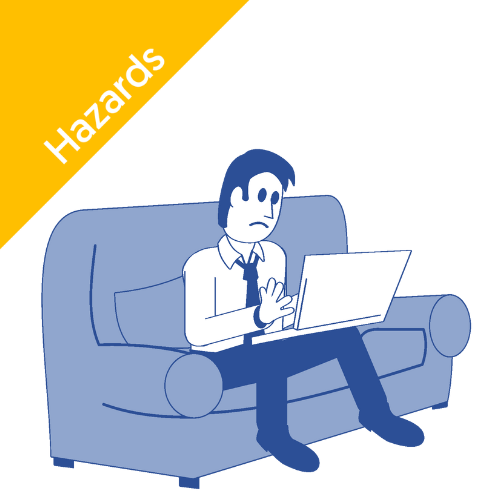
DSE
Discover the essentials of DSE working from home in our comprehensive guide. Learn tips and best practices to optimise your remote work experience!

DSE
What do the display screen equipment regulations require users to do? Explore insights on VDU equipment and health & safety requirements in our guide.
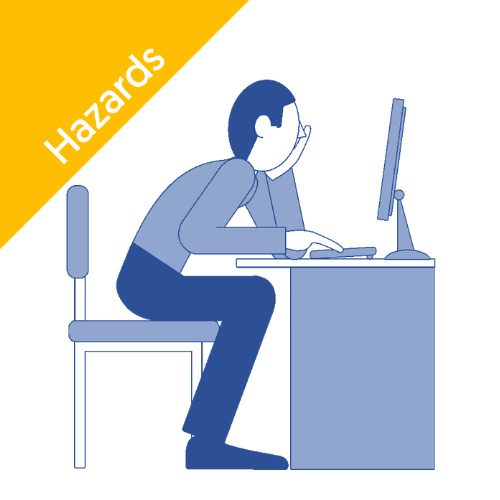
DSE
Discover the DSE employee guide for safe screen use. Learn essential tips to reduce strain and enhance productivity while working at your screen.

DSE
What do the display screen equipment regulations require users to do? Explore insights on VDU equipment and health & safety requirements in our guide.
DSE
Discover the essentials of DSE working from home in our comprehensive guide. Learn tips and best practices to optimise your remote work experience!
DSE
What do the display screen equipment regulations require users to do? Explore insights on VDU equipment and health & safety requirements in our guide.
DSE
Discover the DSE employee guide for safe screen use. Learn essential tips to reduce strain and enhance productivity while working at your screen.
DSE
What do the display screen equipment regulations require users to do? Explore insights on VDU equipment and health & safety requirements in our guide.